Blue Yeti vs HyperX QuadCast: Which USB Mic Wins for Malaysian Streamers & Creators?
A neutral, head-to-head comparison of the Blue Yeti and HyperX QuadCast USB microphones for Malaysian buyers, covering pricing, features, ease of use, and who each mic suits best.
We independently evaluate every product. Buying through our links may earn us a commission — learn more.
At a Glance: Blue Yeti vs HyperX QuadCast
If you’re a Malaysian streamer, podcaster, or remote worker hunting for a USB microphone that doesn’t break the bank, you’ve likely narrowed it down to two big names: the Blue Yeti and the HyperX QuadCast. Both are plug-and-play condenser mics with built-in headphone jacks and multiple pickup patterns. The Yeti, a long-time industry standard, is known for its warm, broadcast-ready sound and sturdy build. The QuadCast, HyperX’s flashier contender, counters with a more modern design, built-in shock mount, and RGB lighting that appeals to gamers. In this comparison, we’ll put them head-to-head across pricing, ease of use, features, and support—specifically for the Malaysian market. No marketing fluff, just the facts you need to decide which mic earns a spot on your desk.
Pricing in Malaysia
Blue Yeti usually retails between RM 400 and RM 550 in Malaysian stores like Shopee, Lazada, and local retailers (e.g., Aiman’s Audio or Digital Hub). HyperX QuadCast often lands in a similar range, roughly RM 420–RM 580, though it occasionally sees steeper discounts during sales events. The Yeti’s price can vary by color or edition (e.g., Yeti X is pricier), while the QuadCast’s cost depends on whether you get the standard or S model (the S adds RGB lighting). Both are available from official distributors and third-party sellers, so watch for warranty coverage—some imported units may lack local support. Overall, expect to pay about RM 450 for either mic at street price, with the Yeti slightly cheaper on average.
Ease of Use
Both mics are true plug-and-play over USB—no drivers or software required for basic operation. The Yeti has a simple front-facing mute button and a volume knob for headphones; the QuadCast uses a capacitive touch mute sensor on top that can be finicky if you accidentally brush it. The Yeti’s gain knob is on the back, which some find awkward, while the QuadCast places gain control on the bottom. For Malaysian beginners, the Yeti is more intuitive out of the box, but the QuadCast’s built-in pop filter and shock mount save you from buying extras. Both have a small learning curve with pickup patterns (cardioid, bidirectional, omnidirectional, stereo on Yeti; cardioid, bidirectional, omnidirectional, stereo on QuadCast), but the QuadCast’s pattern selector is easier to see thanks to a clear indicator ring.
Build Quality & Design
The Blue Yeti is a heavy, all-metal beast—solid but bulky. It weighs about 1.2 kg and comes with a built-in stand that’s stable but takes up desk space. The QuadCast is lighter (around 0.9 kg) and uses a mix of metal and plastic, but feels premium thanks to its sleek, angular look and RGB lighting (on the S model). The Yeti lacks a built-in shock mount, so you’ll need to buy one separately if you’re prone to desk vibrations. The QuadCast includes an integrated shock mount and a pop filter, which reduces sibilance. For Malaysian users in humid climates, both mics hold up well, but the Yeti’s exposed grille can collect dust more easily. The QuadCast’s design is more gamer-centric, but its muted black version works for any setup.
Audio Quality
Both mics deliver excellent clarity for their price. The Yeti has a slightly warmer, fuller sound—great for vocals and podcasts—thanks to its larger capsule. The QuadCast is a bit brighter and more neutral, which suits gaming commentary and streaming where clarity matters. In side-by-side tests, the Yeti picks up more low-end rumble, while the QuadCast handles plosives better out of the box due to its built-in pop filter. Noise floor is comparable, but the Yeti’s higher sensitivity can amplify background noise (e.g., fan hum in a Malaysian home). The QuadCast’s internal shock mount reduces handling noise noticeably. For Malaysian creators recording in less-than-ideal rooms, the QuadCast may require less post-processing.
Features & Connectivity
Blue Yeti offers four pickup patterns (cardioid, bidirectional, omnidirectional, stereo) via a rear switch. HyperX QuadCast matches these four, plus a built-in pop filter and shock mount. The QuadCast also has a gain control dial with a visual indicator (red/green) to prevent clipping. Both mics have a 3.5mm headphone jack for zero-latency monitoring. The Yeti’s mute button is a physical click; the QuadCast’s is a capacitive touch that can accidentally trigger. USB-C is standard on QuadCast (with a detachable cable); Yeti uses mini-USB (older connector) on standard models, though newer Yeti X uses USB-C. For Malaysian users, the QuadCast’s USB-C is more future-proof. Neither mic has XLR output, so they’re strictly USB.
Software & Customization
Blue Yeti has no dedicated software—settings are hardware-only. HyperX QuadCast works with HyperX Ngenuity software (Windows only) for RGB customization and some EQ tweaks. Yeti fans appreciate the simplicity, while QuadCast users get more control over lighting. For Mac or Linux users, the Yeti is more straightforward. Ngenuity can be buggy, and the software isn’t available on macOS. If RGB matters to you (e.g., for a streaming setup), the QuadCast wins; if you just want a mic that works, the Yeti is simpler.
Support & Warranty in Malaysia
Blue Yeti is distributed by various local partners—warranty is typically 1–2 years, but check with your seller. HyperX has an official distributor in Malaysia (e.g., via Tech Data or Ingram Micro), offering 2-year warranty on most units. Both companies have online support, but HyperX’s Malaysian presence is stronger with a local service center. Yeti support can be slower if you buy from a third-party importer. For peace of mind, the QuadCast may edge ahead in local support.
Best For
Blue Yeti: Podcasters, voice-over artists, and musicians who want a warm, rich sound and don’t mind a larger footprint. It’s ideal for multi-person setups (bidirectional or omnidirectional modes) and for users who prefer hardware controls without software fuss.
HyperX QuadCast: Streamers, gamers, and content creators who value a clean, neutral sound, built-in accessories, and a modern aesthetic. Its shock mount and pop filter make it a better all-in-one package for noisy environments, and RGB lighting adds flair to a gaming rig.
Verdict: Which One for Whom?
Choose the Blue Yeti if you’re a podcaster or musician who prioritizes a warmer tone and don’t mind buying a separate shock mount. It’s a proven workhorse with a forgiving sound that flatters most voices. Choose the HyperX QuadCast if you’re a streamer or gamer who wants a complete package out of the box—built-in shock mount, pop filter, and RGB—and prefer a brighter, more neutral sound that cuts through game audio. For Malaysian buyers, the QuadCast’s USB-C, local warranty support, and slightly lower price during sales give it a practical edge. But if you’re after that classic “radio” voice, the Yeti remains a legend. Ultimately, both mics are excellent—your decision hinges on whether you value warmth and tradition (Yeti) or convenience and aesthetics (QuadCast).
FAQ: Blue Yeti vs HyperX QuadCast in Malaysia
Q: Which mic is better for noisy environments in Malaysia?
A: The HyperX QuadCast, thanks to its built-in shock mount and pop filter, does a better job reducing desk vibrations and plosives. The Blue Yeti is more sensitive and may pick up ambient noise like air-conditioning or traffic. For a typical Malaysian home, the QuadCast requires less post-processing.
Q: Do I need a boom arm for either mic?
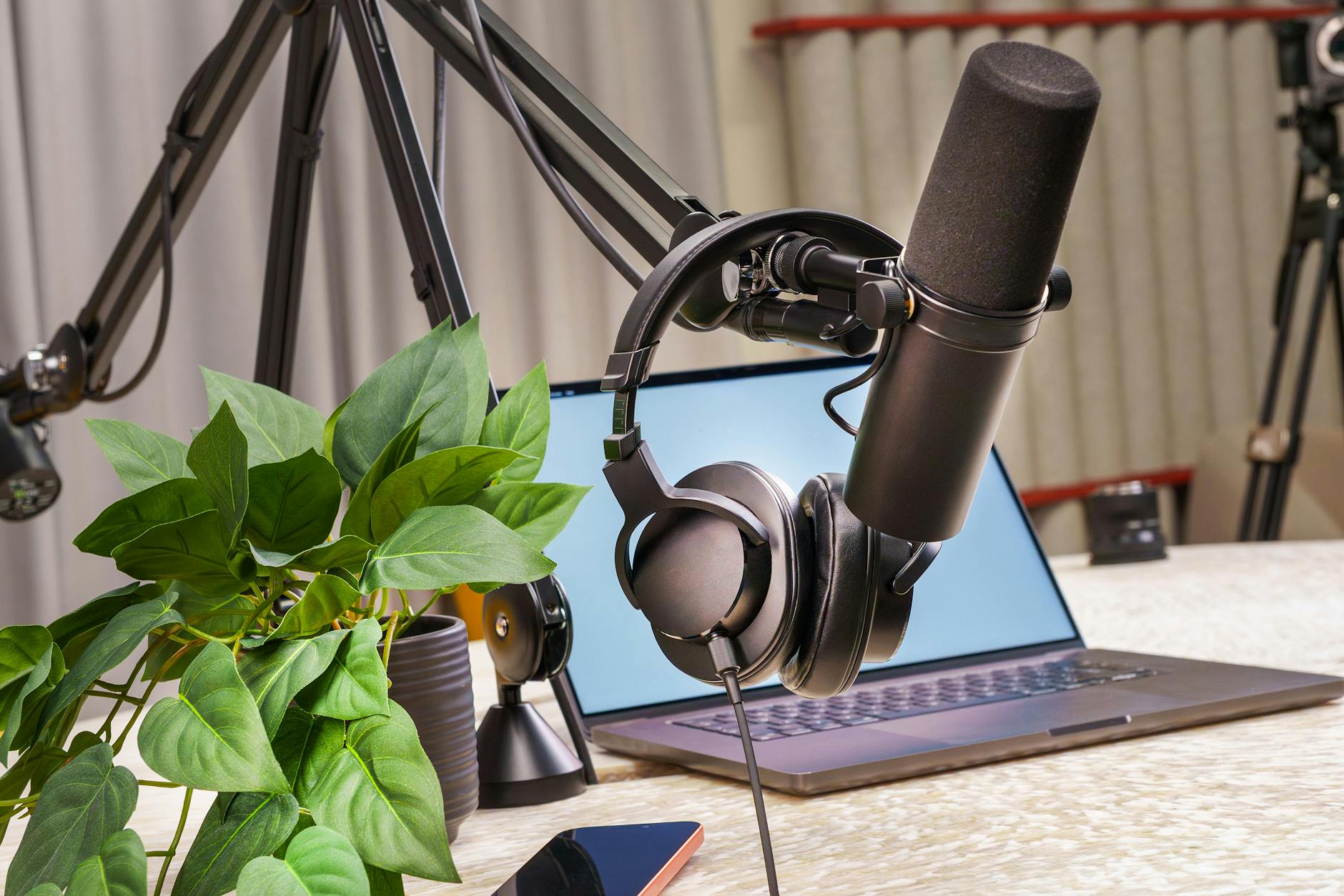
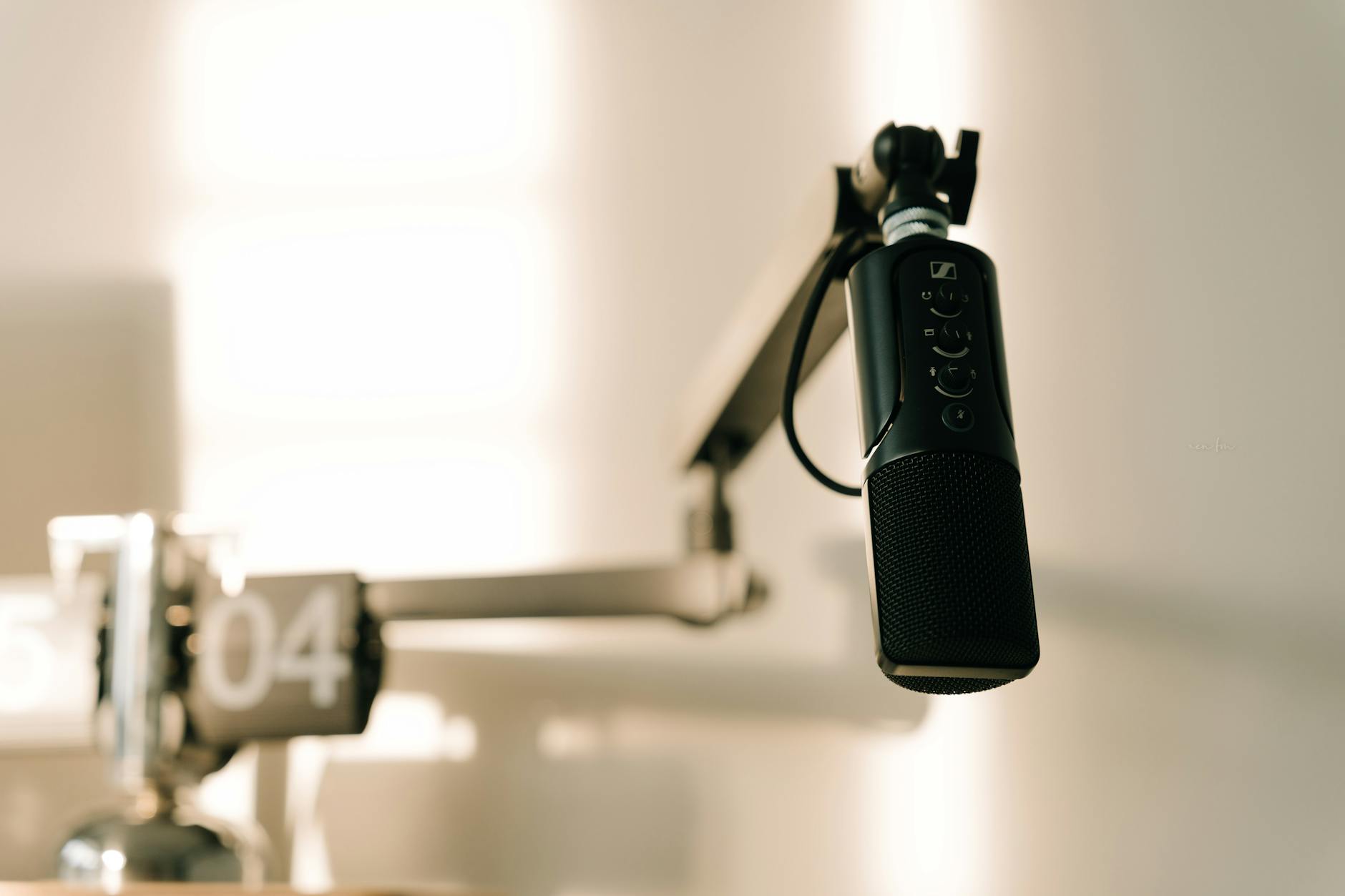
A: Not necessarily—both come with sturdy desk stands. However, the Yeti’s stand is heavier and more stable, while the QuadCast’s integrated shock mount works well on a boom arm. If you want to save desk space, a boom arm is recommended for both.
Q: Can I use these mics with a smartphone in Malaysia?
A: Yes, but you’ll need a USB OTG adapter (USB-C or micro-USB, depending on your phone). Both mics are recognized as USB audio devices on Android. On iPhones, you’ll need a Lightning-to-USB camera adapter. Audio quality is good, but power draw may be an issue for some phones.
Q: Which mic has better software support?
A: HyperX QuadCast works with HyperX Ngenuity (Windows only) for RGB and EQ. Blue Yeti has no software—it’s all hardware controls. For Mac users, the Yeti is simpler; for Windows gamers who want customization, the QuadCast offers more.
Q: Are there any common issues with these mics in Malaysia’s climate?
A: Both are generally reliable, but the Yeti’s exposed grille can collect dust and moisture in humid weather—clean it gently with a soft brush. The QuadCast’s touch mute can be sensitive to static or sweat. Keep both in a dry place and use a dust cover when not in use.